
First we create a bat file that will do 2 things
- It will loop every 10 seconds
- It will call another bat file. We do this in case we need to make changes, we don’t need to build the EXE file every time
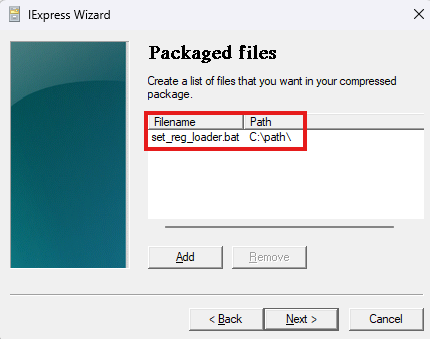
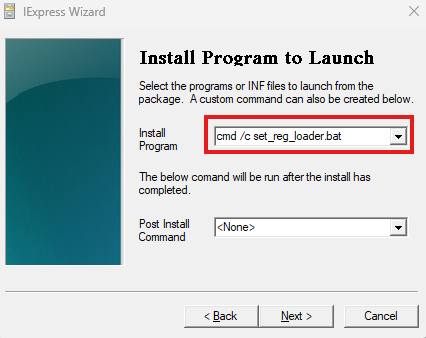
- We call it c:\path\set_reg_loader.bat
:loop
call c:\path\set_reg.bat
timeout /t 10 /nobreak
GOTO :loop
The we create the c:\path\set_reg.bat file that actually do the registry stuff
REG ADD "HKEY_LOCAL_MACHINE\SOFTWARE\Policies\Microsoft\Windows\Personalization" /v "Server1.dk was here" /t REG_DWORD /d 1 /fNow we create the exe file
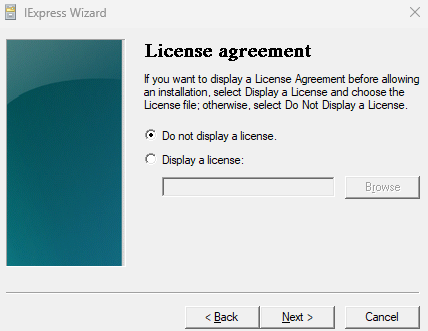
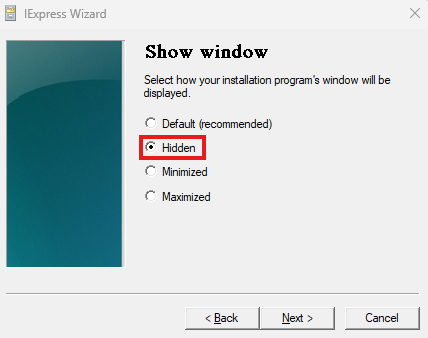
- Run C:\Windows\System32\iexpress.exe as Administrator
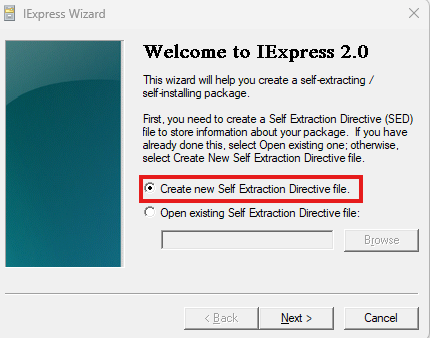
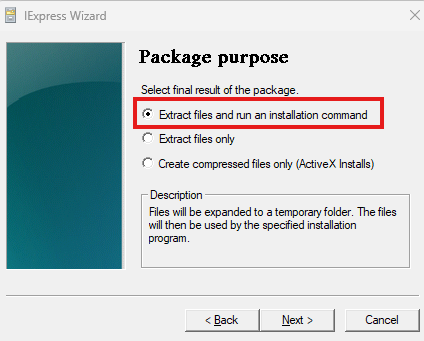
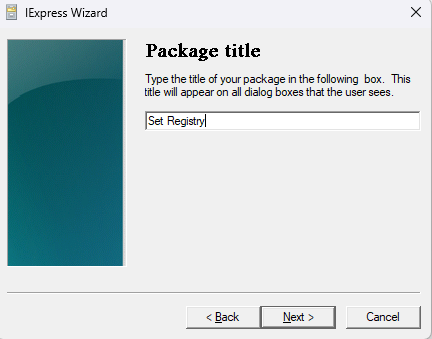
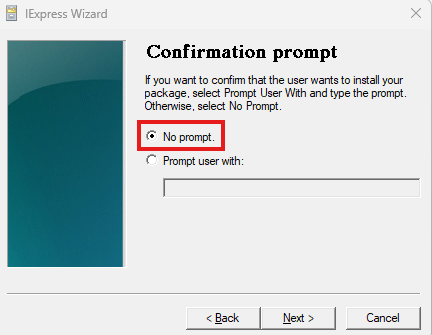
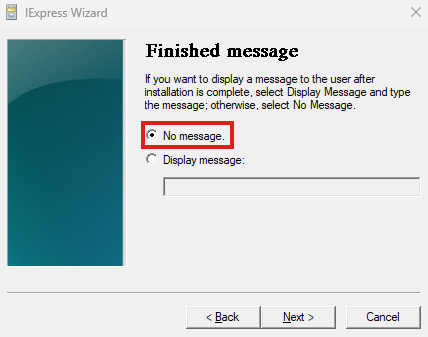
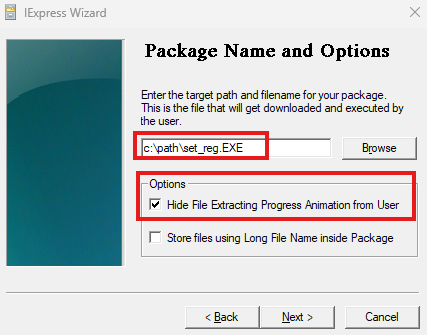
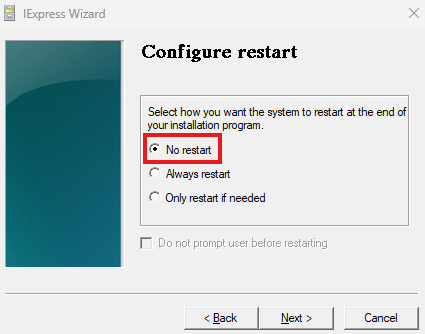
You can decide if you want to save the project
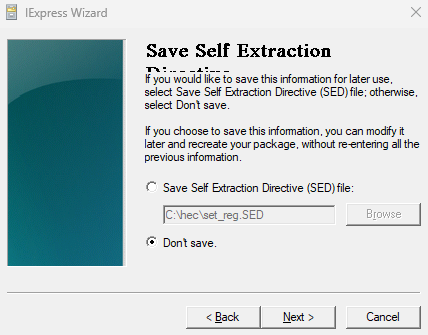
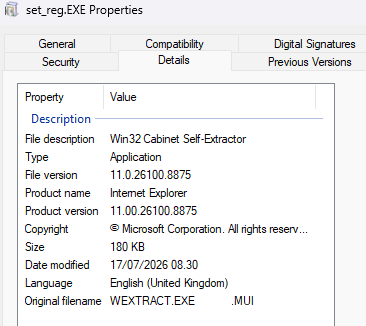
Now you have a nice EXE file that will go undetected by most security systems
Create the windows service that will run the exe file.
Start a CMD as administrator
sc create SetReg binPath= "C:\path\set_reg.EXE" DisplayName= SetRegDisplayname start= Auto obj= "NT AUTHORITY\System"We now have a EXE file that runs as a service as Local System